The Devices in Your Home Are Listening — Here's What They Actually Do With It
Something about the Apple settlement that doesn't get discussed enough: the conversations Siri captured weren't edge cases. They were the kind that happen when you forget the device is there — which, with always-on assistants, is most of the time, which is exactly the problem.
The lawsuit described private discussions with doctors. Business negotiations. Personal moments between people who thought they were alone in a room. All of it ended up with Apple contractors, flagged for quality review, with the person recorded having no idea. Apple settled in January 2026 for $95 million. They didn't admit wrongdoing. But they also didn't fight it, and the checks started going out.
"Privacy. That's iPhone." That's still on Apple's website.
What I keep coming back to isn't the dollar amount — it's the specific nature of what was captured. Not search queries. Not purchase history. Conversations. The kind people have in kitchens and bedrooms and cars, in the tone of voice they use when they think nobody's recording. That's the thing voice assistants get access to that no other technology in your life gets access to, and most people never really sit with what that means.
Wake word detection requires continuous audio processing. That's not a design flaw — it's a physics requirement. "Hey Siri" can only trigger a response if the device is always listening for it. The device isn't recording everything — but it's processing everything, filtering the ambient noise for the right phonemes, waiting. And when something sounds close enough to the trigger, it starts recording before you intended it to. This happens regularly. Apple acknowledges it. Amazon acknowledges it. Google acknowledges it. None of them can eliminate it because it's built into how the technology works, not a bug that gets patched in the next firmware update. The Siri settlement is partly a reckoning for exactly this — conversations captured because someone in the room said something that a device in the background mistook for a wake word.
Apple is still, genuinely, the most privacy-conscious of the three. On-device processing where possible, no audio retained without explicit opt-in, no advertising ecosystem feeding off your voice. That part is real. But "the most private" being the one that paid $95 million and had its contractors listening to people's medical conversations should calibrate how you feel about the other two.
Alexa's situation became significantly worse in March 2025, in a way that got far less coverage than it deserved. Certain Echo devices — the 4th Gen Echo Dot, the Echo Show 10, the Echo Show 15 — had a setting called "Do Not Send Voice Recordings." It meant those devices could process audio locally: your voice stayed on the hardware, never left your home. Not a perfect solution, but a meaningful one — the kind of option that matters to people who put a speaker in their bedroom and want some assurance about what happens to what it hears there.
Amazon removed that option on March 28. The reason is almost too logical to argue with: the new AI-powered Alexa+ runs on large language models from Amazon Bedrock. Cloud LLMs can't run locally on a smart speaker. So local processing had to go. Every Alexa command, every false activation, every fragment of ambient conversation the device picks up now travels to Amazon's cloud — by default, with no alternative.
There's still a "Don't Save Recordings" setting. It sounds like it does what the old setting did. It doesn't. Your voice still goes to Amazon. It's just deleted after processing rather than retained. The distinction between "we're storing this" and "we processed it and then deleted it" matters more than the naming suggests, especially when you start wondering what "processed" actually involves.
If you have an Echo somewhere in your home, go into the Alexa app — More → Alexa Privacy — and at minimum set the retention period to three months instead of whatever it defaulted to. It won't restore what was taken away in March, but it limits how long the recordings that do get made stay on Amazon's servers.
Google Assistant carries a different kind of weight. The assistant itself is relatively straightforward — if Web & App Activity is turned on, your interactions are saved to your Google Account. You can set them to auto-delete at 3 or 18 months. Human reviewers can see a subset of queries, disassociated from your account before they do. None of that is surprising.
What is worth noting is the July 2025 expansion: Google quietly gave Gemini access to users' apps, including messages. Not just voice commands. Not just text queries typed into the assistant. Messages. The scope of what a single home device can see grew, and most people who use Google products professionally missed the announcement entirely. If you haven't checked your Google Assistant settings recently, myaccount.google.com → Data & Privacy is where to start — turn off Web & App Activity if you want to stop your interactions being logged, and check what Gemini has been granted access to.
The thing about Google specifically is that voice assistant data doesn't exist in isolation. It layers onto search history, Gmail, Maps, YouTube watch history — a profile that's been accumulating for years and that the assistant makes more complete, not less.
None of these companies are building surveillance devices in the conspiratorial sense. They're building products that work by processing audio, which requires storing data, which requires making decisions about retention, access, and deletion. In 2025, several of those decisions went in a particular direction: Amazon needed cloud LLMs so the local option had to go. Apple needed to settle a lawsuit so the checks went out. Google needed a smarter assistant so the scope expanded.
For the broader picture on device tracking beyond voice assistants, see what your everyday devices are collecting.
The one thing that is genuinely under your control regardless of platform is the physical mute button. Every major voice assistant has one. When you press it, the microphone is disconnected from power — not disabled in software, not muted via the operating system, but physically cut from the circuit. The red light means nobody's listening, in the most literal sense possible. For the conversations in your home that you'd prefer stayed there, that's the only option with no asterisk.
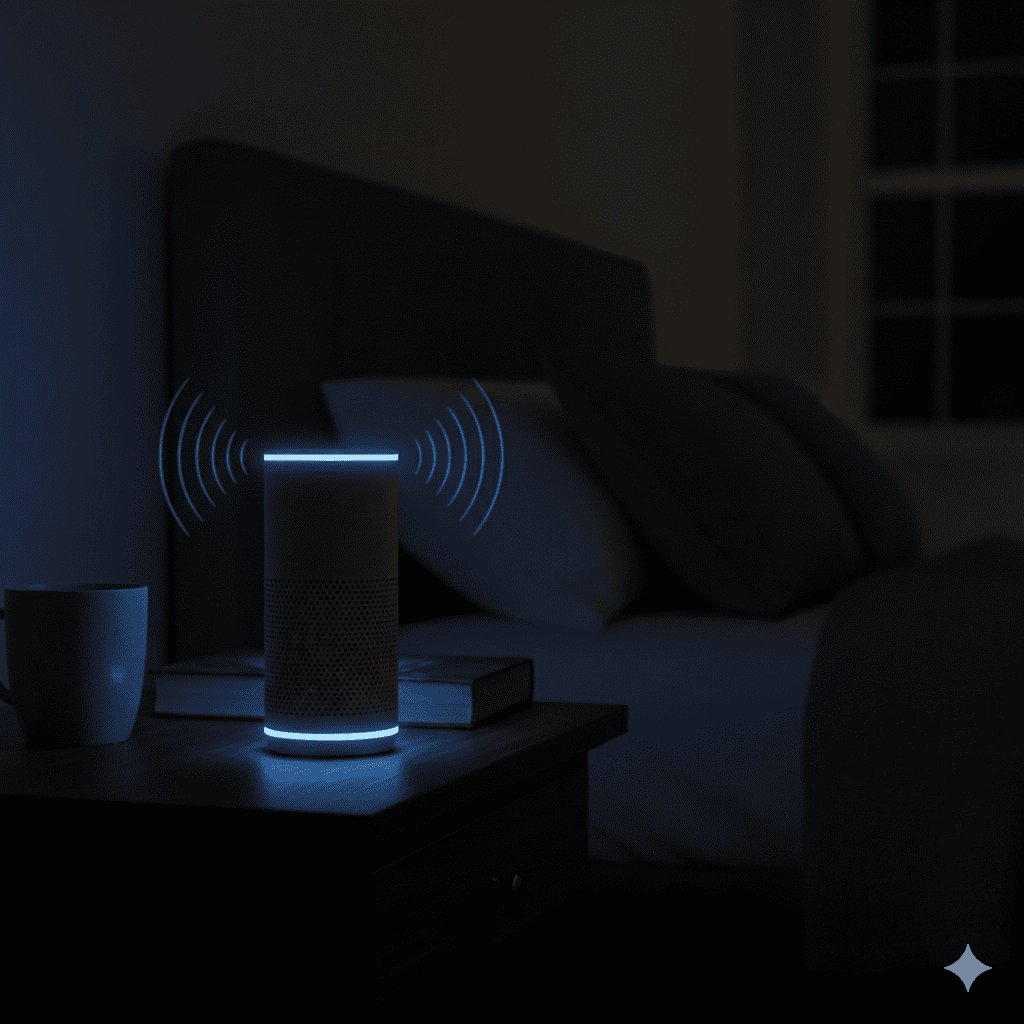
Think about where your devices are placed. A voice assistant in the kitchen for cooking timers is a different situation from one on your nightstand. The microphone doesn't know which conversations matter.