
iOS VPN Bypass: Why Apple Services Route Around Your VPN
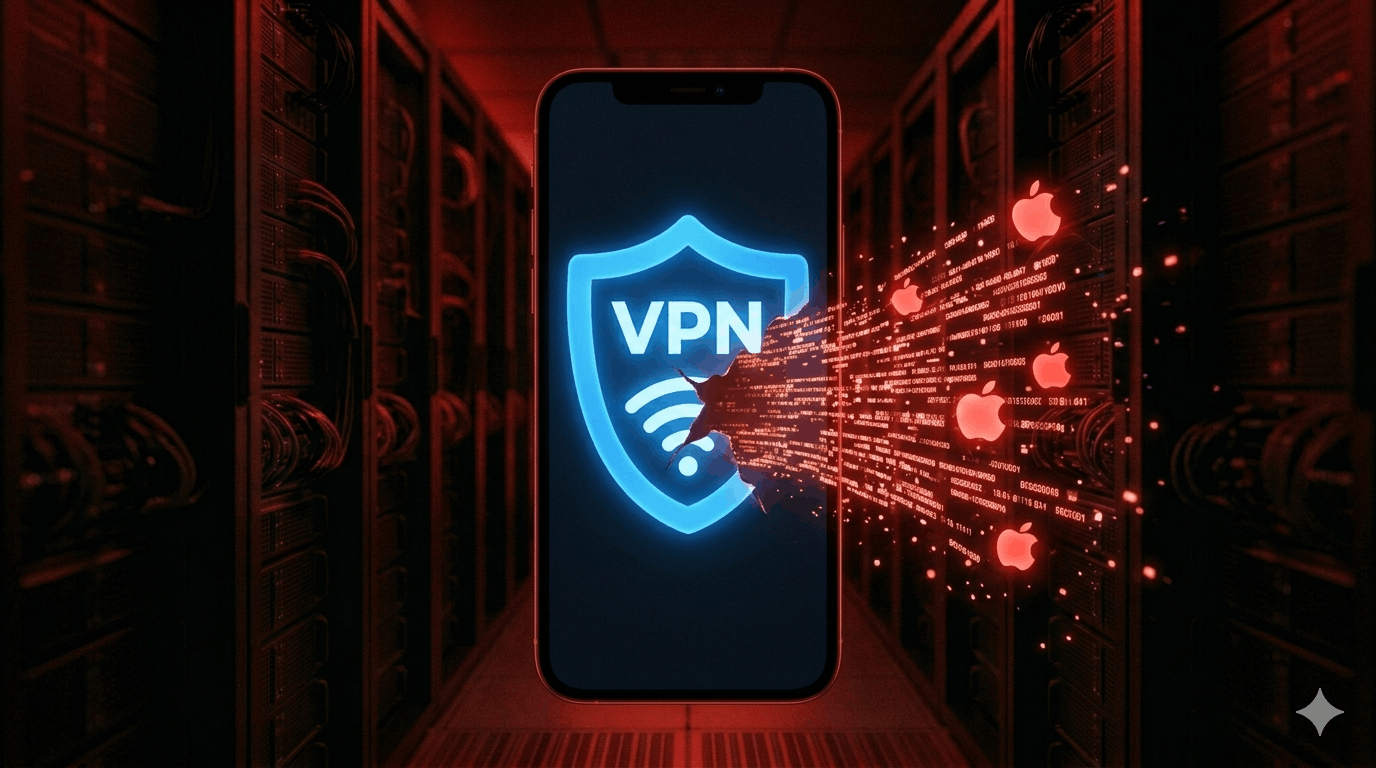
If you're running a VPN on your iPhone expecting all traffic to route through the tunnel, some of it isn't. Apple services — including Apple Push Notification Service (APNs), Apple Maps, and others — bypass VPN connections on iOS. Security researchers have documented this across multiple iOS versions since 2022, and Apple has not fixed it.
The practical effect: your real IP address can be observed by Apple and by anyone monitoring your network, regardless of whether a VPN is active.
What you need to know:
- Specific Apple services bypass VPN tunnels on iOS — this includes APNs (which keeps your iPhone connected to Apple's notification infrastructure) and other Apple-controlled traffic.
includeAllNetworksdoesn't fix it. Apple's own API for forcing all traffic through a VPN still doesn't capture this traffic — confirmed by ProtonVPN and Mysk security researchers.- Your real IP is visible to Apple regardless of VPN. This is the most direct privacy implication.
- Lockdown Mode doesn't protect against this. The bypass persists even with Lockdown Mode enabled.
- Router-level VPN routing is the only reliable workaround — but it only works when you're on your home network.
- Android has the same problem with Google services. This isn't an iOS-specific issue; it's a platform-level pattern.
I've verified this behaviour across multiple VPN providers on iOS. The traffic that bypasses the tunnel is predictable, but there's no in-device way to fully prevent it.
What Was Discovered and When
Security researchers at Mysk first documented this in October 2022, showing that Apple Health, Maps, and Wallet were transmitting data outside active VPN tunnels. They documented it again in mid-2023, confirming the behaviour persisted through iOS 16.5.1 and the iOS 17 beta.
The issue is not a bug in the traditional sense — Apple's notification infrastructure is architected to maintain a persistent connection regardless of VPN state. APNs needs to stay connected for push notifications to work. But the result is that your real IP address is observable by Apple's servers on every iOS device, even when a VPN is active.
When Mysk and ProtonVPN raised this issue, Apple acknowledged it and pointed developers to the NEVPNProtocol.includeAllNetworks API as the solution — this flag is supposed to force all traffic through the VPN tunnel. However, subsequent testing showed the bypass behaviour persisted even when includeAllNetworks was set to true. The traffic bypassing the tunnel originates from iOS itself, below the layer VPN apps can intercept.
What Specifically Bypasses the VPN
Based on research across iOS versions:
- Apple Push Notification Service — maintains persistent connection to Apple's servers. This is the most consistent bypass.
- Apple Maps — makes network requests outside the tunnel in some configurations
- Find My / Location Services — can transmit location-adjacent data outside VPN
- Some Apple Health requests
The scope varies slightly by iOS version and VPN provider. The APNs bypass is the most documented and consistent.
What This Actually Means for Privacy
The traffic bypassing the VPN goes to Apple's infrastructure, not to arbitrary third parties. This means:
- Apple can see your real IP when APNs traffic connects to their servers. If you're using a VPN specifically to hide your IP from Apple, it's not working.
- Your ISP can see the APNs connection — they know your device is an iPhone and connected to Apple's servers, even if other traffic is tunneled.
- Network-level monitors (corporate networks, hotel Wi-Fi, surveillance networks) can observe the Apple traffic and infer device type and rough behaviour.
What this doesn't mean: your VPN is doing nothing. HTTPS traffic to non-Apple destinations, DNS queries (if the VPN handles DNS), and general browsing all route correctly through the tunnel. The bypass is limited to Apple's own services.
Workarounds
Router-level VPN — if you configure a VPN at the router rather than on the device, all outbound traffic (including Apple's) routes through the VPN before leaving your network. This works on your home network. Not portable.
Use a VPN that routes DNS and all non-Apple traffic — won't stop the Apple bypass, but limits the scope of what leaks to Apple services specifically.
Accept the limitation — for most threat models, Apple knowing your IP via APNs is lower risk than an unknown third party knowing it. If your VPN is primarily for ISP privacy and public Wi-Fi protection, the iOS bypass doesn't materially change your threat model for non-Apple destinations.
GrapheneOS on a Pixel — if you need complete control over which traffic routes through a VPN, Android with GrapheneOS offers VPN kill switch behaviour that actually captures all traffic, with granular per-app VPN control. You lose Apple's ecosystem entirely.
The Broader Pattern
iOS isn't uniquely guilty here. Android devices with Google services have the same behaviour — Google's services maintain connections that bypass VPN tunnels in comparable ways. This is a structural pattern across mobile operating systems: the platform vendor's infrastructure maintains persistent connections that operate below the layer accessible to third-party apps.
If you're evaluating VPNs specifically for mobile privacy, this is worth understanding before assuming "VPN on = all traffic tunneled." On iOS, it doesn't work that way — and it likely won't until Apple changes how APNs handles network routing.
Which VPN provider you use doesn't change the bypass — this is an iOS architecture issue, not a provider issue. For what you can actually control on your iPhone, the iPhone privacy setup guide covers the full picture. For evaluating which VPNs are trustworthy for the traffic that does route through the tunnel, the trust framework is here.