
Why Rebooting Your Phone Is a Key Security Habit
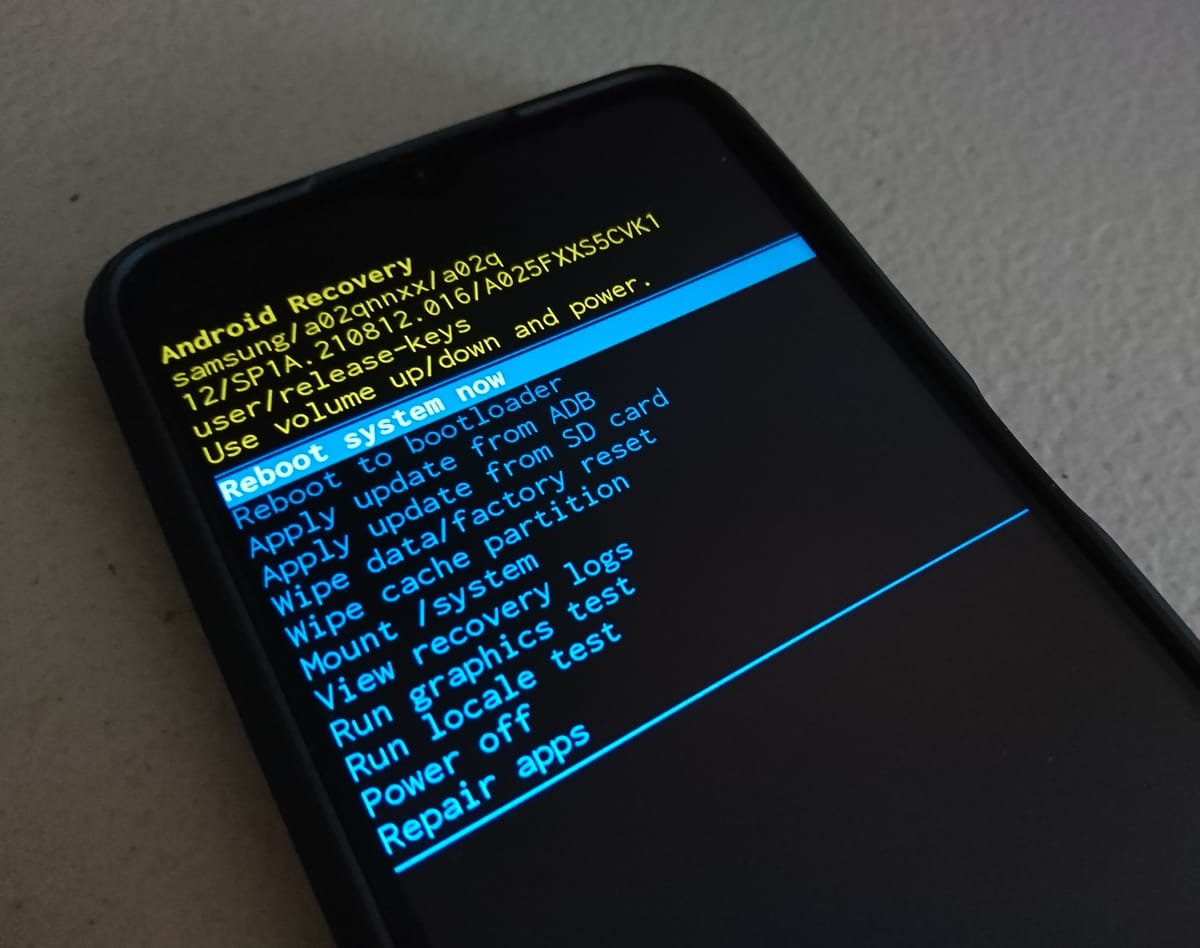
When was the last time you turned your phone completely off? Not just locked it, but fully powered it down. We treat our phones like permanent fixtures. But this convenience comes at a hidden cost to our security and privacy. We diligently install updates and use strong passcodes, yet we neglect one of the simplest and most effective security measures available. Adopting a regular reboot for your phone security is a simple, powerful step you can take today. A regular reboot is not just for fixing glitches, but a critical habit for protecting yourself, thwarting malware, activate crucial security updates, and restore your device to its most secure state.
Flush Out Intruders
Many forms of malware, especially those used in targeted attacks, are designed to run exclusively in your phone's RAM to avoid detection by disk-based antivirus scans. A reboot cuts the power to the RAM, instantly wiping this "volatile memory" and any malicious code residing there.
Think of RAM as your phone's short-term memory. A reboot is like a good night's sleep, clearing out all the clutter from the day. While it won't remove persistent threats, it disrupts attacks that are in progress but haven't yet embedded themselves permanently. I've covered how malware can be delivered in my post on The Dangers of SMS Messaging, where I showed how a simple text can be a gateway for attackers.
Attackers often use memory as a temporary foothold while they attempt to gain deeper, persistent access. Rebooting can break this chain of attack before they succeed. It's a common mistake to think that just because your phone seems to be working fine, it's free of any malicious processes running in the background.
Reboots Make Updates Work
Many critical OS and firmware security patches (like on Android and iOS) are downloaded in the background but only become active after a full device reboot. To avoid disrupting the user, many updates are staged and wait for a manual reboot. If you don't make it a habit, you could be leaving your device vulnerable for weeks or months. After you see an update has been installed, make it a habit to reboot your device shortly after to ensure all patches are applied.
Also Read:
 Frank Line Tech
The "Before First Unlock" State
A freshly rebooted phone is in a state often called "Before First Unlock" (BFU). In this state, your data is fully encrypted, and the decryption keys are securely sealed within the hardware (like Apple's Secure Enclave or Android's Titan M). Until you enter your PIN/password for the first time, even the operating system can't access the bulk of your data.


Once you unlock your device, some decryption keys are loaded into RAM for convenience and background tasks. Even when you re-lock it, the device is not as secure as it is in the BFU state. A device that has been unlocked once is a more attractive target for sophisticated physical attacks. This is similar to how other devices collect data in the background, which I discussed in my post on Is Your Smart TV Spying on You?. Believing that a locked screen offers the same level of protection as a full reboot is a common mistake.
More Than Just Security
A reboot clears out background junk, crashed services, and stale network sessions that can slow down your phone and drain its battery. If your phone feels sluggish or your battery is draining faster than usual, a reboot is often the quickest fix.
Reclaiming Your Privacy: Powering off your device is a definitive way to stop it from collecting and transmitting data. It's a small act of reclaiming control over the tracking device in your pocket. Real talk: just turning the phone off for an hour during dinner can be a surprisingly effective digital detox.
So, How Often Should You Reboot?
- The Weekly Minimum (The NSA's Advice): For most people, rebooting your phone at least once a week is the recommended baseline. This simple habit disrupts potential attacks and keeps your device running smoothly. The NSA's guide on Mobile Device Best Practices is a great resource for more tips.
- The Daily Reboot (For the High-Risk): If you are a journalist, activist, or someone who might be targeted, daily reboots are a stronger defense, forcing spyware to re-exploit the device.
- The Post-Update Reboot (Non-Negotiable): Always reboot your device after installing any system update to ensure the security patches are fully activated.
- The Situational Reboot (Before a Risk): If you're heading into a situation where your device might be physically accessed (e.g., crossing a border), reboot it and leave it locked to put it in its most secure "Before First Unlock" state.
- Explore Auto-Reboot Features: Check your device settings (e.g., on Samsung or GrapheneOS) for scheduled or automatic reboot options to automate this security habit.
Rebooting your phone is more than just a troubleshooting step; it's a fundamental security practice. It purges malicious code from memory, activates critical updates, and restores your device to its most secure state. Don't leave your digital front door unlocked. Make a weekly reboot part of your routine. Set a reminder right now. What other simple habits do you practice to keep your digital life secure? Share your tips in the comments below.