Why MFA Isn't Enough — and What Attackers Do When It Fails
MFA stops most attacks. Not all. Here's what attackers do when they can't beat your second factor — and what actually makes accounts hard to compromise.
The most useful piece of security advice I've encountered lately isn't about software or settings. It's a mindset shift: assume they already know.
Your password. Your address. Where you went to school. Your Social Security number. If you've been in the US for more than a few months, your SSN has probably appeared in at least one breach — it's not paranoia, it's statistics. Have I Been Pwned currently indexes over 17.5 billion compromised accounts across 962 breached sites. That data isn't sitting dormant. It's being traded, matched against other leaks, and used.
Password reuse turns one breach into many. A 2025 analysis of more than 19 billion leaked passwords found that 94% were reused or duplicated across multiple accounts. One breach, one set of credentials, works across a dozen sites. Maybe one of them is your bank. Maybe one is the email address that resets everything else. The math is ugly.
This is why MFA exists. And why it's not the end of the story.
Why SMS Is the Floor, Not the Ceiling
Multi-factor authentication — two-factor authentication, same thing for most purposes — adds something you have to something you know. Password plus a code. Slightly annoying. Significantly better than a password alone.
But not all MFA is equal, and the difference matters more than most people realize.
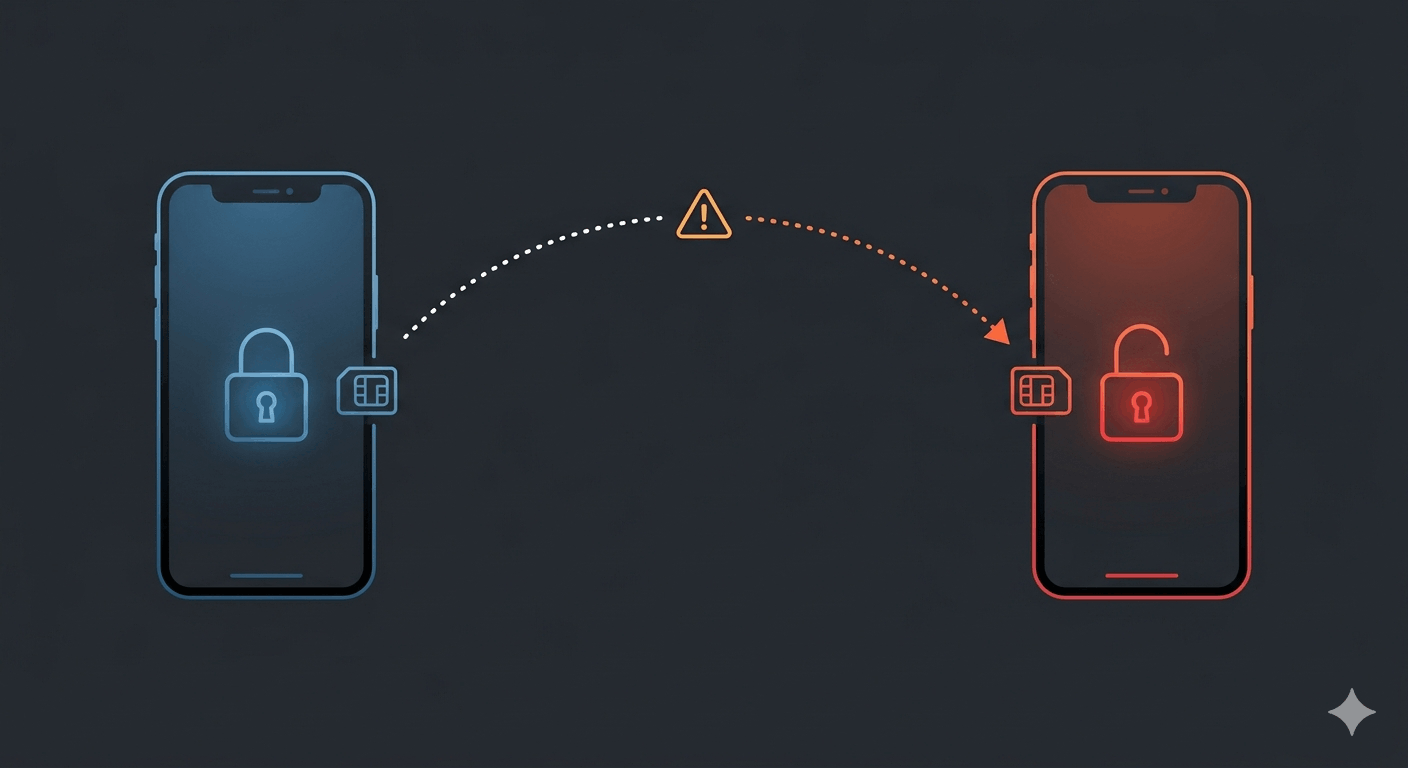
SMS codes are what most people set up first. They're also the weakest option in the stack. The attack is called SIM swapping: an attacker walks into a carrier store, impersonates you with a few pieces of personal data, and gets your number ported to their SIM. Every authentication code now goes to them. In January 2024, a hacker SIM-swapped his way into the SEC's X account, posted a fake Bitcoin ETF approval, and briefly moved markets. T-Mobile was separately ordered to pay $33 million in arbitration after a SIM swap drained a customer's crypto holdings — the account had a "do not port" security flag. Didn't matter.
Phone numbers are a weak identifier in more ways than one — caller ID spoofing is an industry of its own.
The carrier can't always stop it. That's just the reality. (The full picture of why SMS authentication is structurally broken is covered here.)
Authenticator apps — Google Authenticator, Microsoft Authenticator, Authy — generate time-based codes locally on your device. No carrier in the loop. Much harder to intercept. This is the minimum floor everyone should be on. Most major services support it now. Many people created accounts years ago when the option wasn't available and never went back. It's worth going back.
Hardware security keys sit at the top. YubiKey's Bio series stores up to five fingerprints in a secure element on the key itself — nothing transmitted to a server — and authenticates via FIDO2/WebAuthn. Plug it in. Touch it. Done. The biometric piece matters specifically because a hardware key that isn't biometric-protected can be used by anyone who picks it up, which defeats most of the point. With a fingerprint requirement, the key and the person are effectively inseparable.
The Attacks That Don't Need Your MFA Code
Here's where it gets more uncomfortable.
Everything above assumes attackers need your password and your MFA code. Increasingly, they don't need either in the traditional sense.
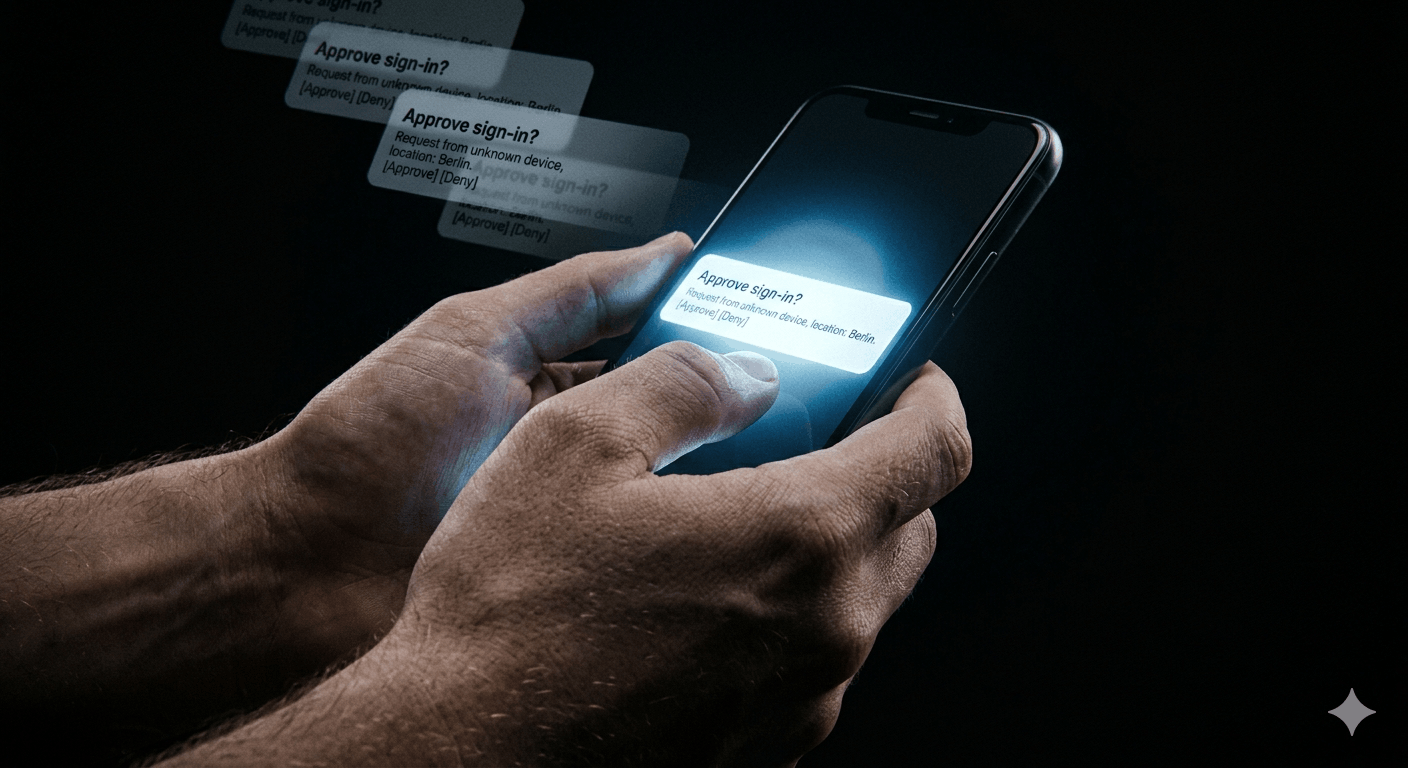
MFA fatigue exploits the approval mechanism directly. Attackers get your credentials — purchased on the dark web, harvested by an infostealer, leaked from a breach — and then start hammering your phone with authentication push requests. Ten. Twenty. Forty. Most people deny them. When Lapsus$ compromised Uber in September 2022, the attacker sent push notifications until a contractor, worn down, finally approved one. The attacker had also messaged the contractor directly on WhatsApp, posing as Uber IT support, telling them to just approve the next request and the notifications would stop. One approval. Full network access.
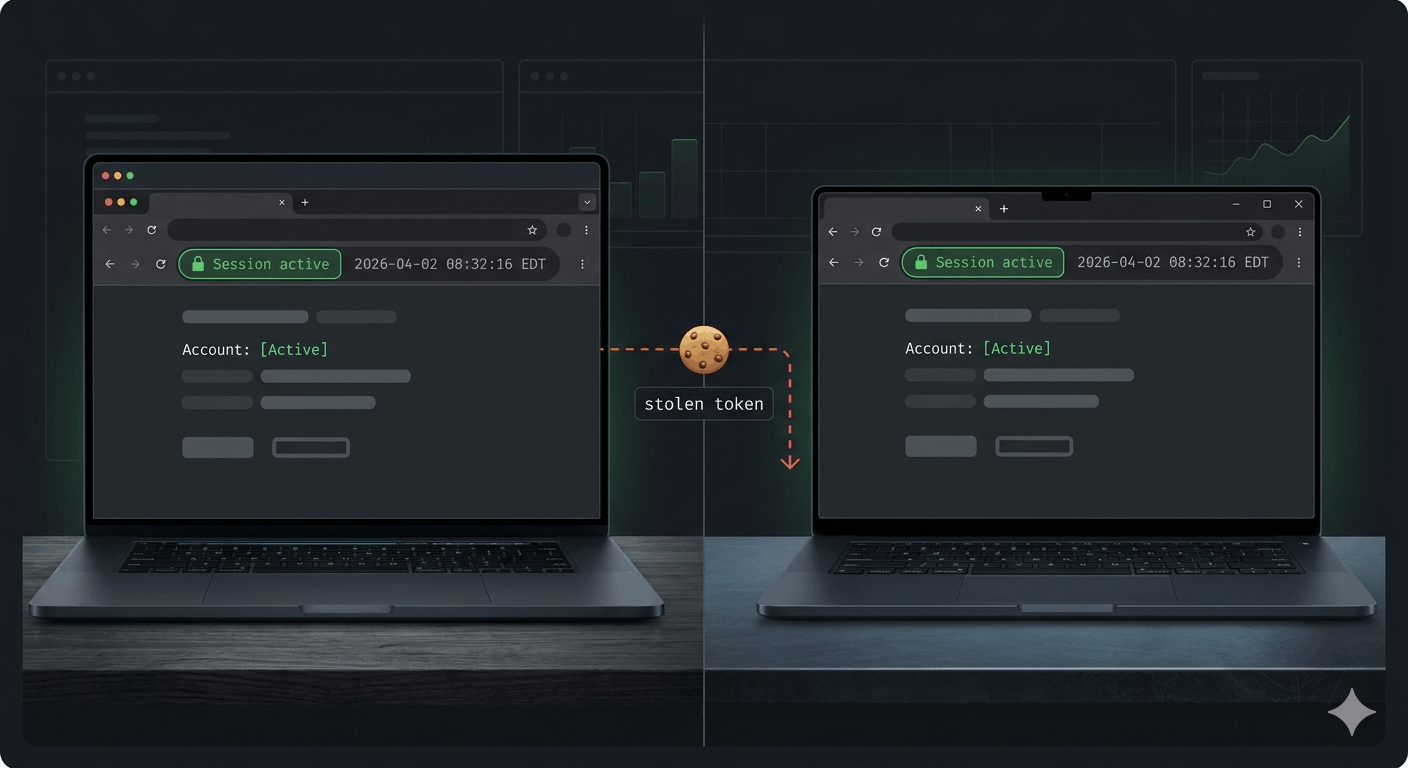
Session token theft is technically cleaner and more dangerous. When you log in and complete MFA, the site issues a session cookie — a token proving you've already authenticated. That's what keeps you logged in. Steal the token and you don't need the password or the MFA code; you already have proof of authentication. Lapsus$ bought Electronic Arts' internal Slack session cookies for $10 on Genesis Marketplace. No brute force. No phishing campaign. One purchase on a dark web market, and they were inside. 780 gigabytes of data — including FIFA 21 source code — went out the door. This is precisely what makes infostealers so damaging: they're built specifically to harvest these tokens alongside credentials, silently, while you keep using your machine normally.
Adversary-in-the-Middle proxies close the last gap. Tools like Evilginx2 sit invisibly between your browser and the real site. You see a login page that looks identical to the real thing. You enter your credentials. You complete MFA. The proxy forwards everything to the real service in real time — so you actually get logged in, no error, nothing suspicious — while capturing your session cookie behind the scenes. The URL might be slightly off. Most people don't check. Scattered Spider and Lapsus$ have used variants against Okta, Office 365, and Salesforce at scale.
The Browser Problem
Malicious Chrome and Edge extensions are running a version of the same attack from inside the browser itself. They can read form data, capture cookies, harvest saved credentials, and log every site you visit. Millions of users have had data scraped through extensions that looked like coupon tools or productivity apps — published legitimately, then sold to someone with different intentions and updated with data-harvesting code.
If passwords are stored in your browser, they're accessible to any extension with sufficient permissions. The encryption browsers use for stored passwords is predictable — extraction scripts are publicly available. A malicious extension doesn't need to install separate malware. It already has what it needs. Auditing what's running in your browser is its own discipline, and most people have never done it once.
Threat Model Isn't a Cop-Out
An objection worth taking seriously: "I'm not a target." Maybe. But the cost of targeting someone has dropped dramatically.
A senior citizen receiving a call from someone claiming to run a government lifestyle survey — answering benign questions about their daily routine for twenty minutes — then having their voice cloned to authorize a bank transfer is not a sophisticated nation-state operation. That's a scalable, semi-automated scam. The UK government has issued specific warnings about it. The attacker never compromised a single system. They needed a voice sample and a cooperative person on the phone.
The point isn't that everyone needs hardware keys and zero-trust network architecture. The point is that your threat model should match your actual exposure, not the exposure you assume you have. A physical notebook of passwords is genuinely more secure for some people than browser-saved credentials with a suspicious extension installed. That tradeoff is real. Who is actually likely to attack you, through what vector, for what purpose — that's the question worth asking.
For most people, the floor is: a password manager with unique credentials for every account, an authenticator app wherever it's supported, and nothing stored in the browser. Not the ceiling. The floor.
What Actually Becomes Hard to Bypass
Session tokens are portable. The defense is making them only valid from trusted locations. Conditional access policies — blocking authentication from everything except known IP ranges or verified device identities — mean a stolen token can't be used from an attacker's machine. The token presents. The service checks where it's coming from. That address isn't on the list. Access denied. It doesn't matter that the token is legitimate.
Hardware keys resist these attacks entirely — setting up a YubiKey is the strongest fix.
Passkeys take the structural approach. They're phishing-resistant by design because the private key never leaves your device and is cryptographically bound to the specific domain it was created for. An Evilginx proxy can't intercept what isn't transmitted. Passkey adoption is finally reaching real scale, and for accounts where it's available, it removes the entire attack surface that MFA fatigue and AiTM proxies depend on.
Nothing makes an account unhackable. That's not the goal. The goal is making the cost of the attack high enough that it isn't worth the effort — or redirecting attention to someone who made it easier. MFA is essential. The type of MFA matters. And it's one layer in a stack, not the whole thing.
Enable it everywhere. Enable it better than SMS wherever you can. And go audit those browser extensions.