
How to Use Shodan to Find What Your Server Is Leaking
Shodan indexes every open port and service banner on the public internet. Here's how to use it to see what your own servers are exposing — before someone else does.
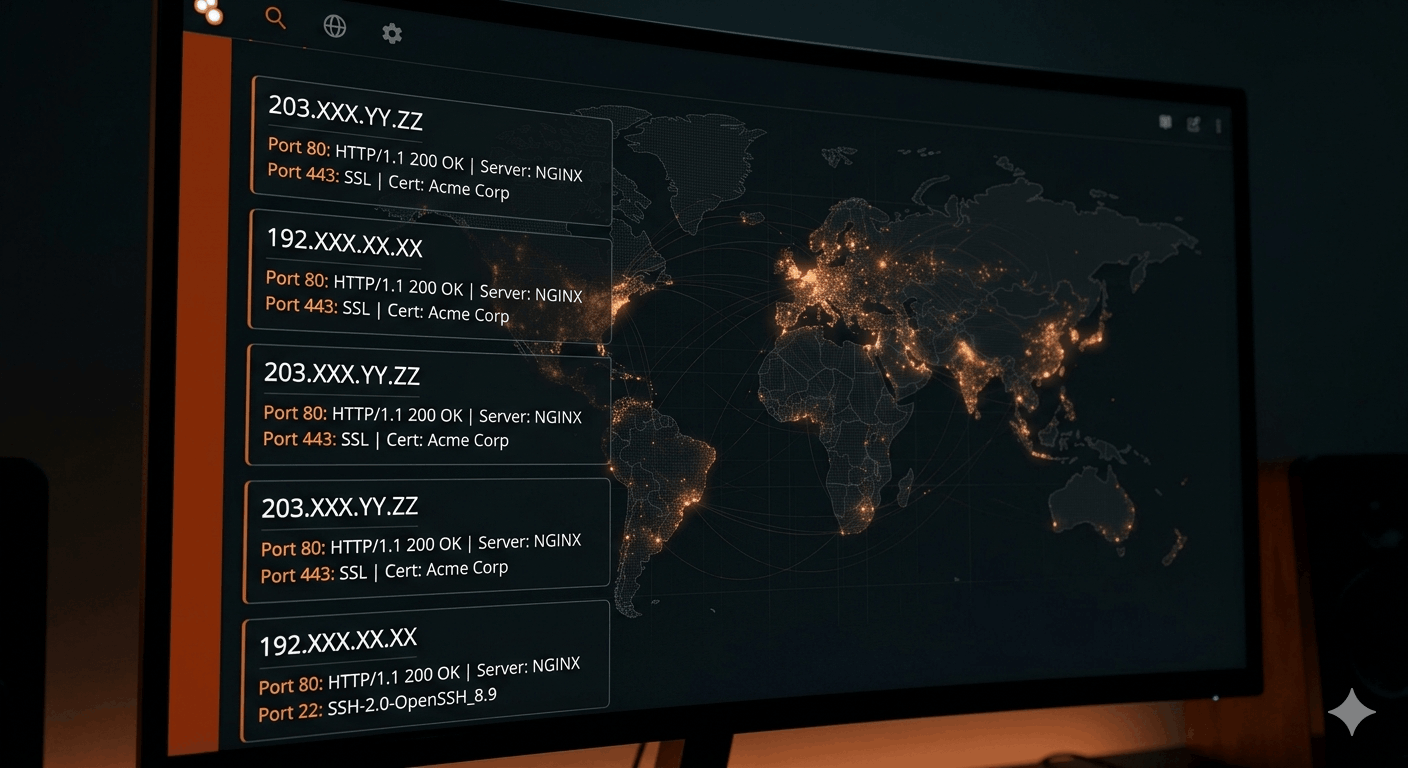
The Shodan help center describes Shodan as a search engine for internet-connected devices — but the useful mental model is simpler: it's a continuously updated snapshot of every service that's answering on the public internet. HTTP, SSH, FTP, Telnet, SNMP, IMAP, Redis, MongoDB, Elasticsearch, industrial control systems, webcams. If it listens on a port and responds to a probe, Shodan has probably seen it.
What it captures is the banner — the data a service returns when you connect. A web server returns its headers. An SSH daemon returns its version string. A database returns whatever it's configured to say (or in the case of unauthenticated MongoDB, often returns everything). Shodan stores that, timestamps it, and makes it searchable.
It does not scan your internal network. Anything behind a properly configured firewall, NAT, or private subnet isn't visible. The problem is that most organizations have more public-facing surface than they think.
Set up an account first
You don't need to pay to use Shodan for basic recon on your own infrastructure. A free registered account at shodan.io gets you IP lookups and filter-based searches that go well beyond what an anonymous session allows.
The paid membership (one-time $49 as of writing) adds export credits, more results per query, and API access. For a solo operator checking their own servers a few times a month, the free tier is enough to get started.
Shodan Monitor — which sends real-time alerts when new services appear on your IP range — is a separate subscription product starting at $59/month. Useful for organizations, overkill for a personal VPS. For small deployments, scheduled manual lookups accomplish most of the same thing.
Start with your own IP
The most direct thing you can do: search for your own server.
Go to Shodan and enter your public IP directly in the search bar. Or use the filter syntax:
host:203.0.113.47
What comes back is everything Shodan has indexed for that IP — every port that was open during its last scan, the banner data from each service, any CVEs it's matched against known version strings, and a history of previous scan results.
Read through it carefully. Ask yourself whether everything listed should be there.
A properly locked-down VPS should show very little — port 22 (SSH) and port 443 (HTTPS), typically, with everything else closed. If you see port 3306 (MySQL), port 27017 (MongoDB), port 6379 (Redis), or port 9200 (Elasticsearch) — stop. Those services should never be publicly accessible. Locking them down is a core part of the initial server setup, but Shodan tells you immediately whether the job is done.
Search your organization and domain
If you're doing this for a company rather than a personal server, the IP search is just the start. Two other searches matter more:
By organization name:
org:"Acme Corporation"
This pulls all IPs registered to your organization's ASN. You might find servers you forgot existed — dev environments, staging boxes, old infrastructure that someone spun up and never decommissioned. The "forgotten server" is one of the most common sources of breach-enabling exposure.
By domain:
hostname:yourdomain.com
This matches any hostname in Shodan's data that includes your domain. You'll catch subdomains you may not have been thinking about — vpn.yourdomain.com, dev.yourdomain.com, monitoring.yourdomain.com. The monitoring dashboard that's locked down on port 443 with auth might also have Prometheus scrapers answering on port 9090. Shodan will show you.
This is directly adjacent to what I covered in the Google dorking guide — using search engines to find exposure you didn't intend to publish.
Filters worth knowing
Shodan's filter syntax is what makes it actually useful for targeted queries. The full cheat sheet is worth bookmarking, but these are the ones that show up most in defensive recon:
Filter by port:
port:3389
Port 3389 is RDP. There's almost no scenario where a production server should have RDP open to the internet. If yours does, that's a priority fix.
Filter by detected software:
product:nginx hostname:yourdomain.com
Combine filters to narrow results. Here you'd get all Shodan-indexed hosts matching your domain that are running nginx — and you can see which version they're reporting.
Filter by SSL certificate:
ssl.cert.subject.cn:yourdomain.com
This finds every host that's serving a certificate issued for your domain. Useful for catching shadow IT, forgotten servers, or services that spun up outside your normal provisioning process.
Flag CVE matches (requires account):
vuln:CVE-2024-6387
This is the regreSSHion CVE. If you have older SSH servers exposed, Shodan may have already flagged them. The same principle applies to any CVE — search your IP range against recent vulnerabilities to see what Shodan considers exposed.
What the findings actually mean
A few specific things to act on immediately if Shodan shows them:
Open port 3389 (RDP): BlueKeep and its successors demonstrated that exposed RDP is an active, continuously-exploited attack vector. Restrict to a VPN or specific IPs, or disable entirely if not needed.
Elasticsearch on port 9200 without auth: As Bugcrowd documents, unauthenticated Elasticsearch clusters have been responsible for some of the largest data exposures on record — billions of records. If it's public, assume it's been read.
Redis on port 6379: Redis was designed for local network use. Public exposure with no authentication is a full compromise — Redis commands can write to disk and in some configurations achieve remote code execution. This is documented and exploited routinely.
Default router or admin login pages: Shodan frequently indexes http.title:"Admin Login" pages on devices that are still running factory credentials. If you see your router's admin interface in Shodan results, your network perimeter is wider open than it should be.
All of these are addressable with firewall rules. The firewall configuration that securing a Linux system covers in detail is the practical fix for most of what Shodan surfaces.
Make it a habit, not a one-time check
The real value isn't running a Shodan search once. It's treating it like a mirror you look in periodically — any time you provision a new server, any time you make a firewall change, any time you add a new service.
The threat model here is simple: attackers are running automated Shodan queries continuously. They're searching for port:6379 with no auth, for product:Redis with default configs, for vuln:CVE-XXXX across entire IP ranges. They're not targeting you specifically — they're sweeping opportunistically, and exposed services get found within hours, sometimes minutes.
Running the same searches on your own infrastructure flips that dynamic. You see what they see. If Shodan shows nothing interesting on your IP, your defensive posture is working. If it shows something unexpected, you found it first.
That's the whole point.