iPhone Privacy Setup Guide (iOS 18 / 2026)
The gap between Apple's privacy marketing and what iOS actually does — and the settings that close it. Covers ADP, Siri data transmission, ATT limits, and the UK ADP removal story.
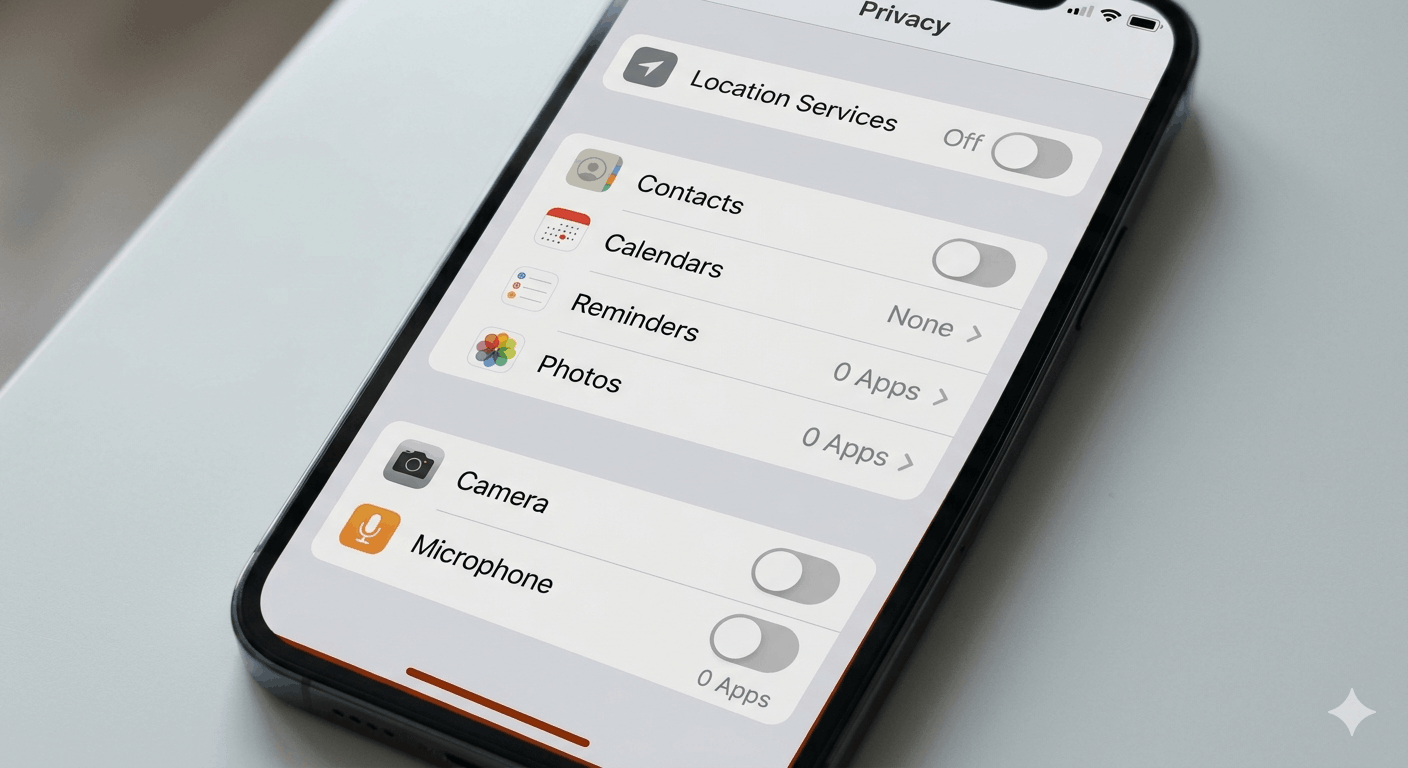
Apple sells privacy harder than almost any other technology company. "Privacy is a human right" is not a footnote buried in a terms of service — it's a billboard campaign, a WWDC keynote theme, a recurring line in earnings calls. And on a lot of it, they're not wrong.
But "privacy is a human right" describes what iOS can do, not what it does out of the box.
Fresh out of setup, iCloud Backup is uploading your photos, notes, and messages to servers where Apple holds the decryption keys. Siri is transmitting your app list and location with every query. Analytics sharing is on. "Hey Siri" is listening. Cross-app tracking is opt-out, not opt-in. The gap between the marketing ceiling and the default floor is real — and it takes about twenty minutes to close.
This guide closes it. Three tiers, based on your threat model.
Tier 1 — Everyone
These settings cost you nothing in usability and they matter regardless of whether you're a journalist or someone who just doesn't want their data in a law enforcement request.
Advanced Data Protection — the highest-leverage toggle on the phone.
Without it, iCloud Backup, Drive, Photos, Notes, Reminders, Safari Bookmarks, Voice Memos, and Freeform are not end-to-end encrypted. Apple holds the decryption keys. When a subpoena arrives, they can comply. With ADP on, all of those shift to device-based encryption — Apple cannot hand over what it can't read.
Settings > [Your Name] > iCloud > Advanced Data Protection.
A few things are always E2E regardless: Keychain, Health, Home, Payment info. And iMessage is E2E only when iCloud Backup is disabled — if backup is on, the message keys are sitting in that backup, which means they're on Apple's servers. ADP fixes that.
One note that matters here: in February 2025, Apple removed ADP for all UK users after the UK government issued a "technical capability notice" under the Investigatory Powers Act demanding a backdoor — not just for UK residents, but globally. Apple's response was to pull the feature entirely rather than build the backdoor. If you're outside the UK, that's actually a data point in ADP's favor. Apple chose to lose the UK market rather than compromise the encryption. Enable it.
App Tracking Transparency — useful, with limits.
Settings > Privacy & Security > Tracking > toggle off. About 75% of iOS users have already done this, with a global opt-in rate of around 13.85% as of Q2 2024. ATT stops cross-app tracking by apps that follow the rules. It doesn't stop fingerprinting. It doesn't touch Apple's own ad ecosystem. Data brokers have other ways to connect dots — I wrote about how that works in the browser fingerprinting deep dive, and the same techniques apply here.
Still, off is better than on.
Analytics, Significant Locations, Mail, AirDrop, USB.
Settings > Privacy & Security > Analytics & Improvements — uncheck everything. There's no meaningful reason to leave this on.
Settings > Privacy & Security > Location Services > System Services > Significant Locations — off. This is a list of places iPhone thinks you visit frequently. It feeds "proactive" Siri suggestions. It also builds a detailed history of your physical movements.
Settings > Apps > Mail > Privacy Protection > Protect Mail Activity — on. Blocks senders from knowing when you opened an email and masks your IP address.
AirDrop: Settings > General > AirDrop > Receiving Off. The AirDrop protocol leaks device identifiers and personal information even when you don't accept a transfer. This was documented in academic research — being "discoverable" is enough to expose data.
USB Restricted Mode: Settings > Face ID & Passcode > USB Accessories — make sure the toggle is off (the default in recent iOS versions, but worth verifying). This prevents forensic tools like Cellebrite from accessing the device via USB when it's been locked for more than an hour.
Tier 2 — Most People
These settings require a bit more attention but are genuinely worth it for anyone who thinks about who might want access to their phone — whether that's a data broker, an overly curious app, or something more serious.
Siri — this is the sharpest edge.
At Black Hat 2025, researcher Yoav Magid from Lumia Security presented findings showing that Siri transmits your full installed app list, your location data, and audio playback metadata — song names, podcast titles — with every request, regardless of whether any of that information is relevant to what you asked. More notably: WhatsApp messages you dictate through Siri go to Apple's servers. That directly undermines WhatsApp's end-to-end encryption, because the content of the message leaves WhatsApp's encrypted channel before it ever reaches the recipient.
I covered the broader pattern of voice assistants and data collection in this post on AI assistants — Siri, Alexa, and Google Assistant all have versions of this problem. What makes Siri's case harder to dismiss: Apple settled a $95 million class-action in January 2026 over Siri recording private conversations — medical discussions, business calls — without users realizing it.
Settings > Siri & Search. Turn off: Listen for "Hey Siri", Press Side Button for Siri, Allow Siri When Locked. Then go through every app listed below and revoke Siri access for anything that doesn't need it.
If you use Siri at all, use it manually. Don't leave it listening.
iOS 18's new controls.
Three additions in iOS 18 that are actually useful rather than marketing features:
Granular Contacts — when an app requests contacts access, iOS 18 now lets you pick specific contacts rather than granting the full address book. No developer changes required; it works with existing apps. Worth reviewing when any app prompts you.
App Locking and Hiding — long-press any app > "Require Face ID". Locked apps become invisible in Spotlight, search results, and notifications. Take it further: "Hide App" moves it to a locked folder in your App Library with no home screen icon. Useful for banking apps, health apps, anything you don't want visible to someone who picks up your phone.
Safety Check — Settings > Privacy & Security > Safety Check. Two modes: Emergency Reset (immediately revokes all sharing and access permissions) and Manage Sharing & Access (granular review of what's shared with whom). This was designed for domestic abuse situations, but it's worth running periodically as a general hygiene check. It surfaces things — apps with location access you forgot about, people who still have shared album access, that kind of thing.
Also: turn on Stolen Device Protection. Settings > Face ID & Passcode > Stolen Device Protection. When your phone is away from trusted locations, sensitive changes — resetting your Apple ID password, disabling Find My, adding a recovery key — require biometric authentication plus a one-hour waiting period. This closes the attack vector where someone watches you enter your passcode, steals the phone, and immediately locks you out of your Apple account.
Browser.
Every browser on iOS is required by Apple to use WebKit — Safari's rendering engine. This matters because most of Firefox's fingerprinting protections live at the Gecko engine level, and those protections simply don't exist on iOS. Firefox on iOS is measurably less private than Safari on iOS, which is counter-intuitive if you switched to Firefox on desktop for privacy reasons.
On iOS: Brave > Safari > Firefox for privacy. Brave adds a content-blocking layer on top of WebKit, supports Global Privacy Control, and includes fingerprint randomization. Safari has Intelligent Tracking Prevention and Link Tracking Protection in Private Browsing. Firefox has neither.
A note on VPNs.
iOS routes some system traffic outside the VPN tunnel by design — this is documented Apple policy, not a bug, and it affects every VPN app on iOS. If you're using a VPN for privacy rather than just for network access, that's worth knowing. It doesn't make VPNs useless on iOS, but it does mean you shouldn't assume VPN-on equals total network opacity.
On biometrics and legal exposure.
Face ID is convenient and generally strong against physical access. But the Fifth Amendment may not protect you from being compelled to use your face to unlock your phone — because it's a physical act rather than knowledge disclosure. The EFF's guidance on this is worth reading if you're crossing borders or attending anything where police presence is a realistic concern. A passcode is harder to compel legally. It's a niche consideration, but it comes up — and I covered the same tension in the smartphone lock screen post.
Tier 3 — Targeted Users: Lockdown Mode
Settings > Privacy & Security > Lockdown Mode. This is not for most people.
In March 2026, a report on the "Coruna" exploit kit documented 23 exploits targeting iOS 13 through 17.2.1. The kit was built by a surveillance vendor, then passed to Russian state-aligned actors who used it against Ukrainian targets, then acquired by Chinese financially-motivated groups. Lockdown Mode blocked all 23 attacks cold.
If you're a journalist, activist, executive with a meaningful threat profile, or human rights worker operating in a hostile environment — that's who this is for. The trade-offs are real: some websites break, certain message attachment types are blocked, device management features are restricted. iOS 18 improved this by allowing selective exceptions (specific contacts, trusted websites) without disabling Lockdown Mode entirely, which makes it meaningfully more usable.
Everyone else: enable the Tier 1 and Tier 2 settings above. You'll be in dramatically better shape than you were at factory defaults, without Lockdown Mode's usability trade-offs.
A few things that are commonly misunderstood: iCloud is a sync service, not a backup in the conventional sense. Deleting something on your device deletes it from iCloud immediately. Users who believe iCloud protects against accidental deletion are thinking of iCloud Backup — which is a different thing, and which (as covered above) you probably want to disable in favor of local encrypted backups through Finder on Mac or iTunes on Windows.
Apple's privacy marketing is mostly accurate. The problem is that it describes what the platform is capable of, and the gap between that capability and what's actually enabled when you hand someone a new iPhone is substantial. The settings above are the gap.
For a broader look at smartphone privacy trade-offs and what realistic privacy looks like across different threat models, the realistic options for phone privacy post covers what's actually achievable — and where the limits are regardless of which phone you're on. The Android privacy guide covers the parallel questions on the other side of the fence.
Also Read:
 Frank Line Tech